


A picture-book press, powered by AI
Turn an Idea into a Picture Book
Create your story, characters, and illustrated book with AI.
Create My Picture Book Create an Animation
Not sure what to write? Try one:

Kid-safe by designFree to startNo card required


Don't take our word for it
Read one, right here.
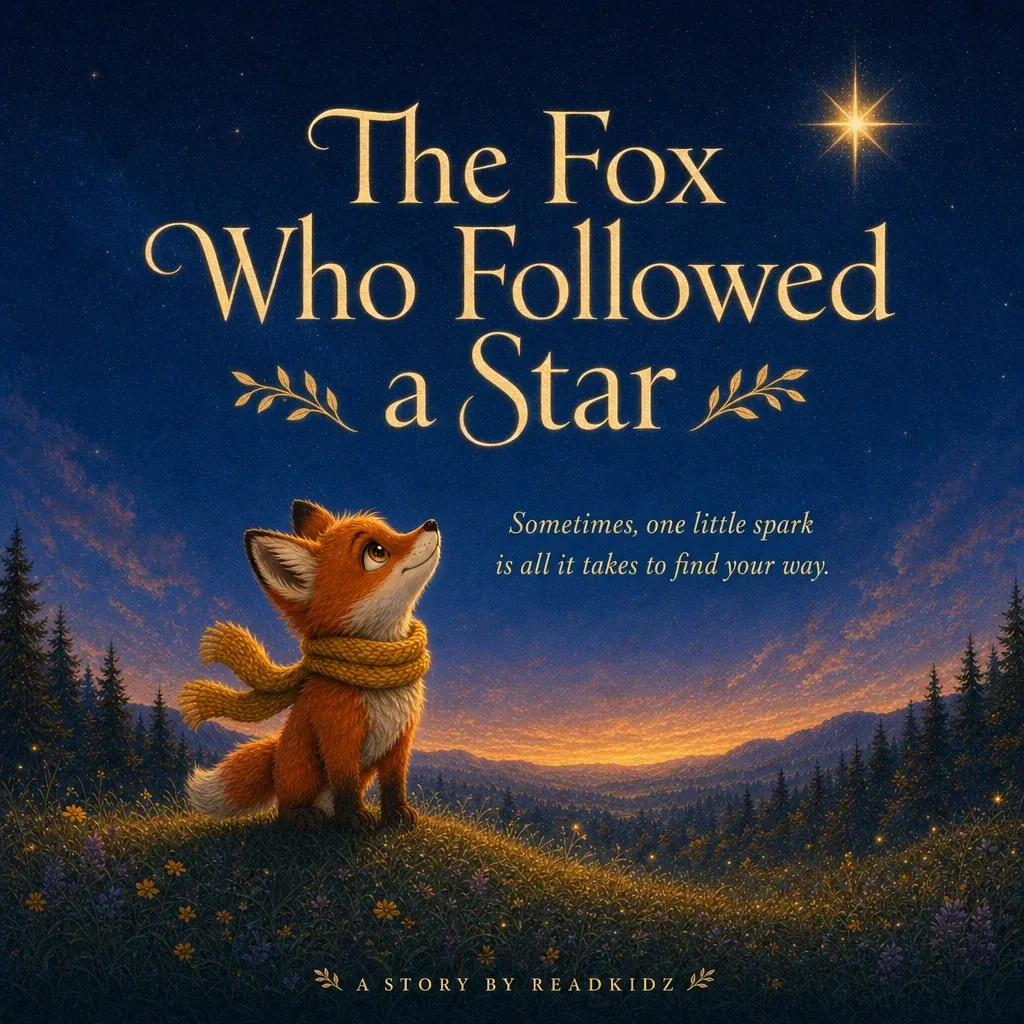
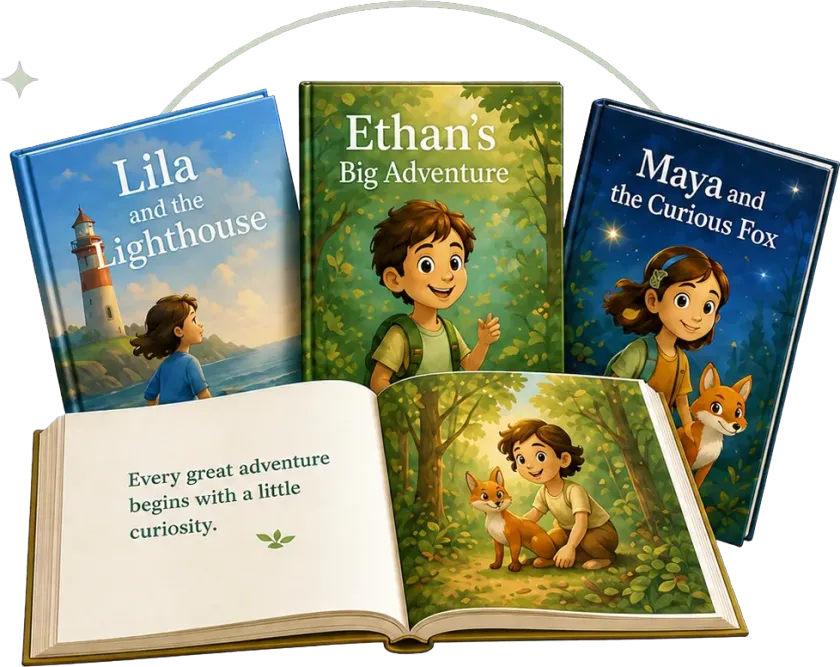
A real picture book created with ReadKidz.
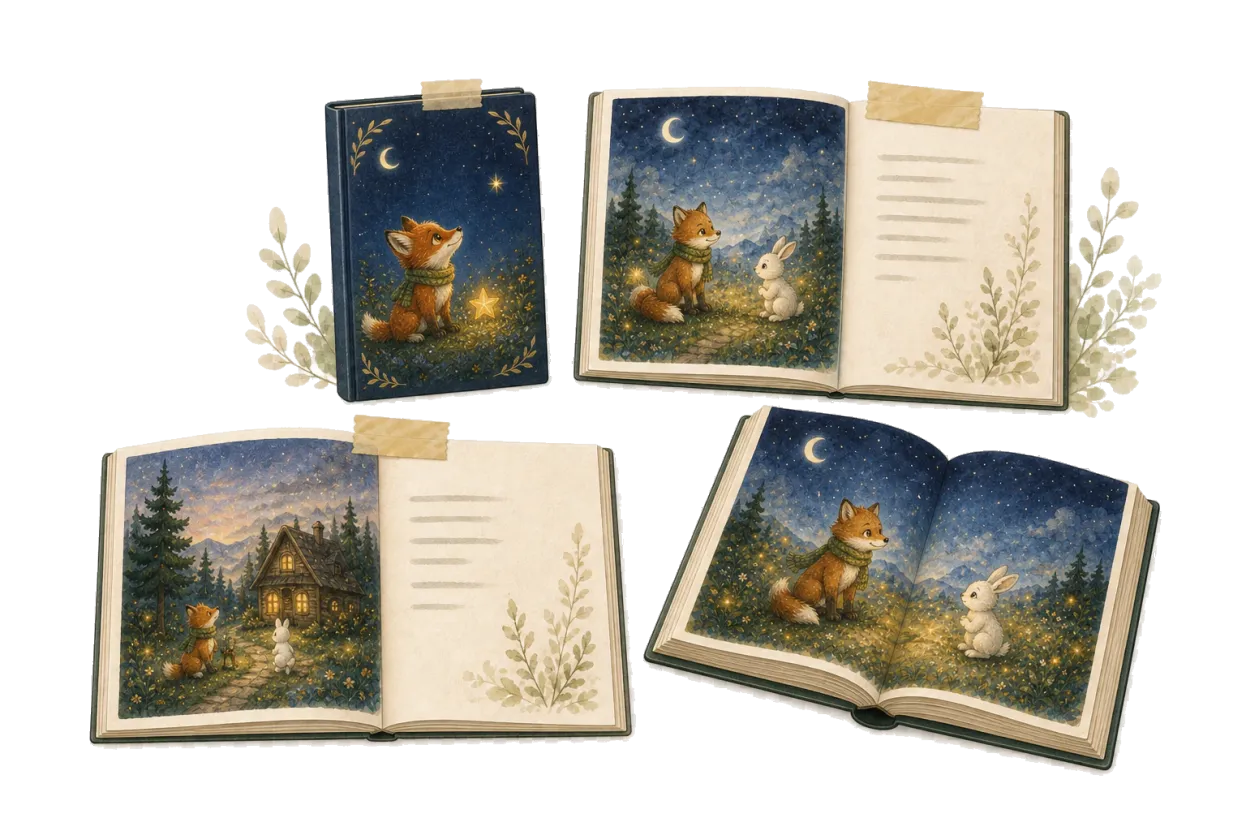
This book began with: A little fox who followed a mysterious light into the forest.



How a book is born
From one sentence
to the last page.
Our AI turns your idea into a complete picture book, step by step.
Begin with one idea
A sentence, a memory, or a character.
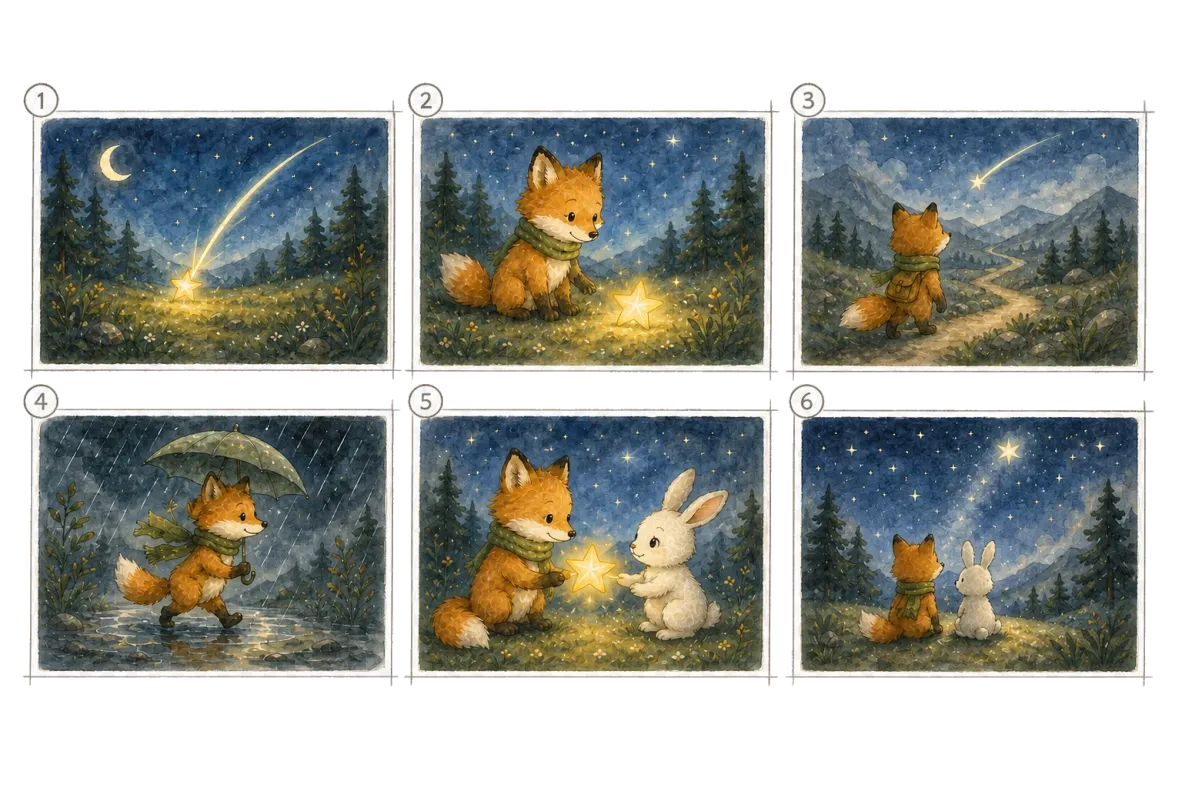
Shape the story
Build the plot and concept storyboard.
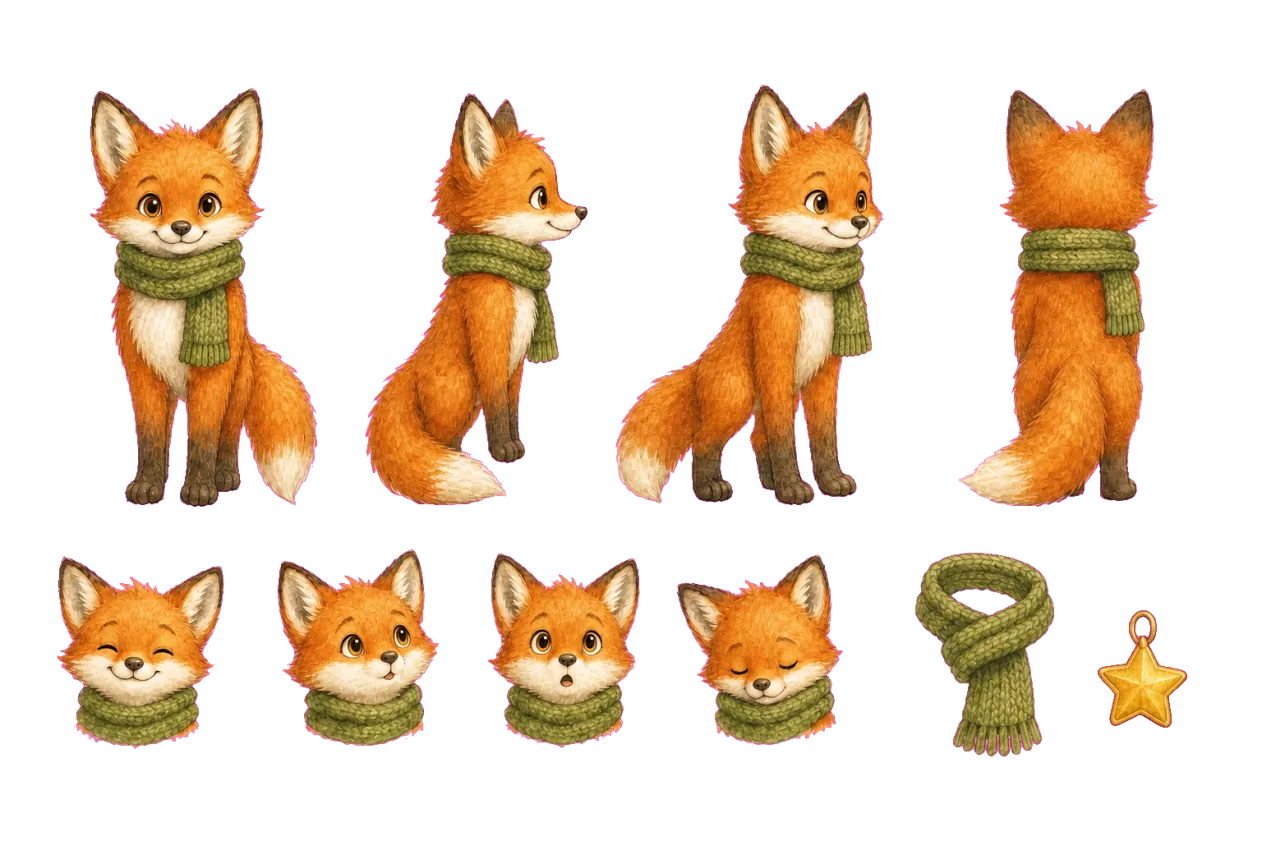
Meet the characters
Define how they look before illustrating the book.
Bring every page together
Review, refine, and complete the book.
Begin with one idea
A sentence, a memory, or a character.
One idea…
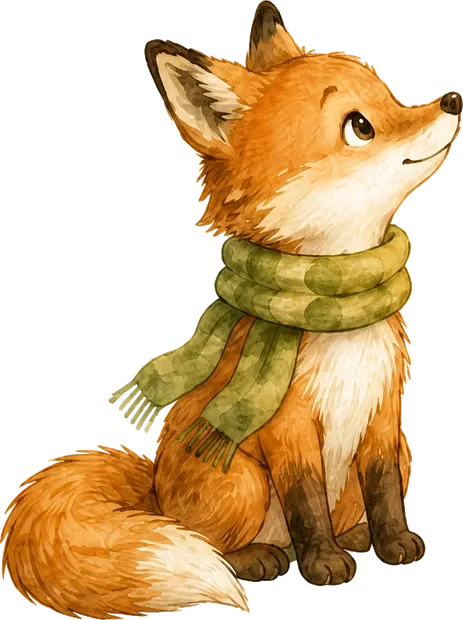
Shape the story
Meet the characters
Bring every page together
Review, refine, and complete the book.
Made for the reader
One story, told at the right level.
ReadKidz adapts language, story length and text per page for every age.

Pip sees a star.
He wants to follow.
Pip sat on the hill and looked up.
A bright star sparkled above the trees.
He had never seen one so bright.
“I wish I could see where you go,” he whispered.
The star twinkled, as if it heard him.
“Maybe I can follow,” Pip said with a brave little breath.
And so his adventure began.
Pip had spent his whole life in the safety of the valley, where the trees grew thick, the paths curved between familiar stones, and every evening ended beneath the same quiet sky. Yet tonight a golden light moved beyond the ridge. It did not flicker like an ordinary star. It seemed to pause whenever he paused, as though it were waiting for him to notice.
He remembered the stories the older foxes told beside the fire—stories of hidden springs, forgotten trails, and travelers who returned with new constellations in their eyes. Pip had always listened from the safest corner of the den. Now those stories no longer felt distant. They felt like a door that had opened only a few steps away.
At the edge of the forest, the wind carried the scent of pine and rain. The path ahead was darker than any road he knew, but the star cast a thin ribbon of gold across the ground. Pip was afraid. He also understood that courage did not mean leaving fear behind; it meant deciding that something else mattered more.
He looked back once at the warm lights of the valley, holding the sight carefully in his memory. Then he tightened his scarf, took a steady breath, and crossed beneath the first shadowed branch. Above him, the star slipped deeper into the night. Pip followed, not because he knew where the journey would end, but because he was finally ready to discover who he might become along the way.
Age-appropriate languageBalanced text per pageStory length that fits the reader

The keepsake
A book you can actually hold.
When the story is done, it doesn't stay on a screen.
Printed Keepsake
A physical book made to be read and kept.
PDF Export
Save the complete story for printing or sharing.
More ways to enjoy your story
Shareable link Read aloud
Your story stays yours.
Download it, print it, share it, or keep it private.
A separate way to create
Some stories are meant to move.
Start from an idea or script to create an original animated story with scenes, narration, music, and movement.
Created independently from Picture Book mode.
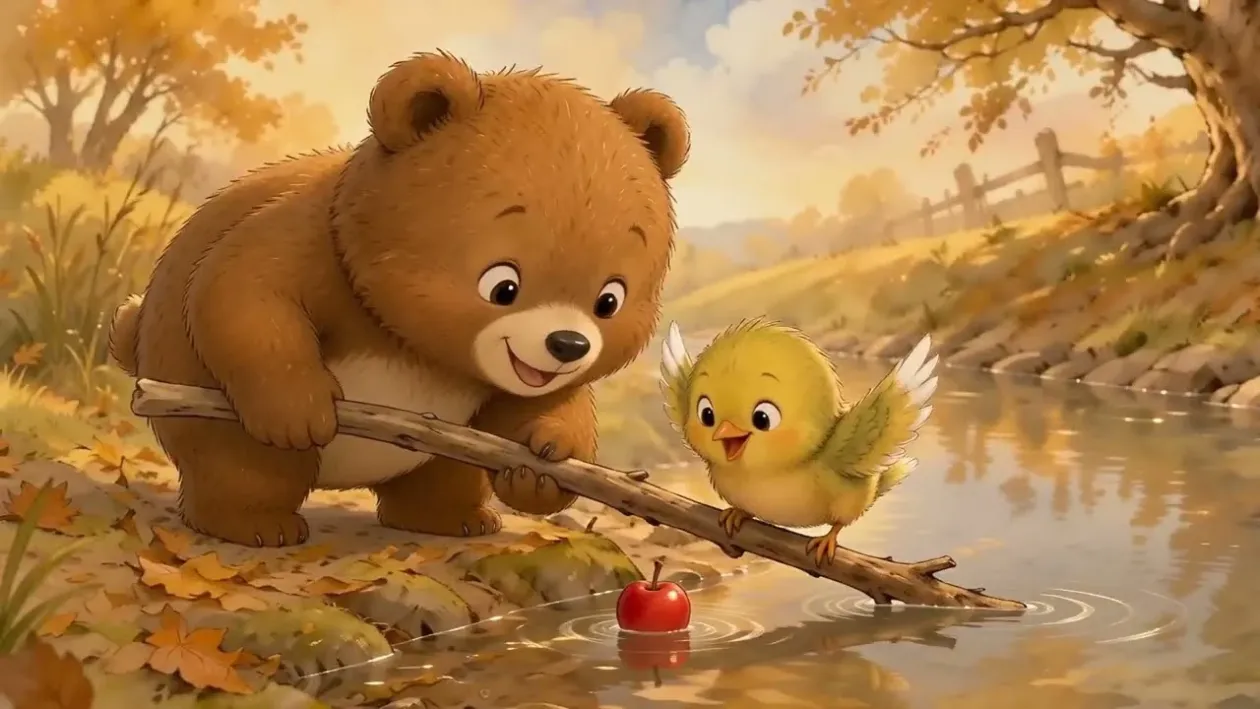
For the grown-ups who make things for kids
Made for every kind of storyteller.
Parents
Turn a child's imagination, family memory, or favorite character into a story made just for them.
Read-aloud evenings · printed keepsakes
Teachers
Make lessons, class topics, and student ideas easier to remember through stories.
25 languages · kid-safe by design
Publishers & Creators
Develop story concepts, characters, and complete illustrated books through one guided workflow.
You keep the copyright
The shelf
A little inspiration for your next story.
Open a book to read it — or borrow its story idea and make it yours.
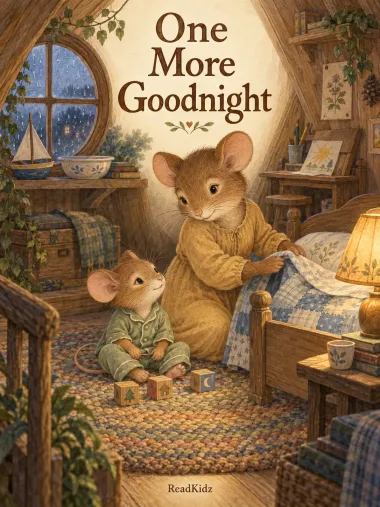 Try this story idea…“A little mouse says goodnight to his toys and a busy day.”
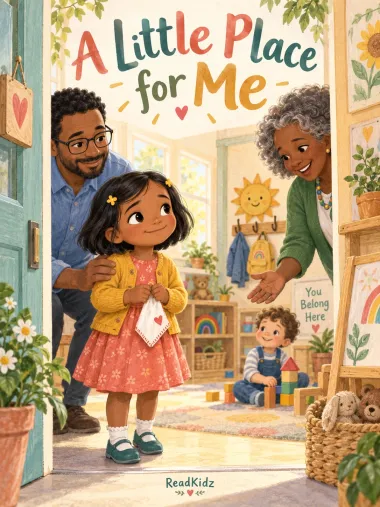 Try this story idea…“A child finds a little place to belong in a new classroom.”
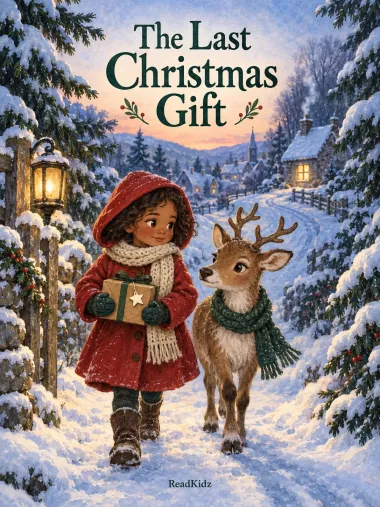 Try this story idea…“A girl and a young reindeer deliver one last Christmas gift.”
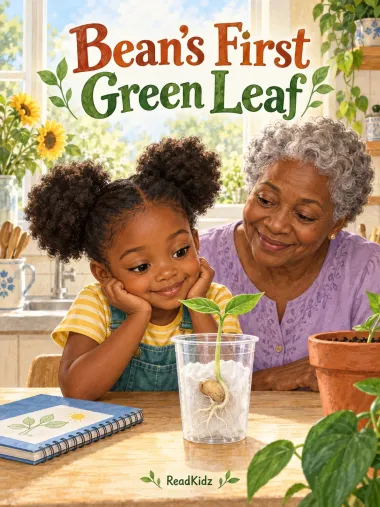 Try this story idea…“A child and her grandma watch a bean grow its first green leaves.”
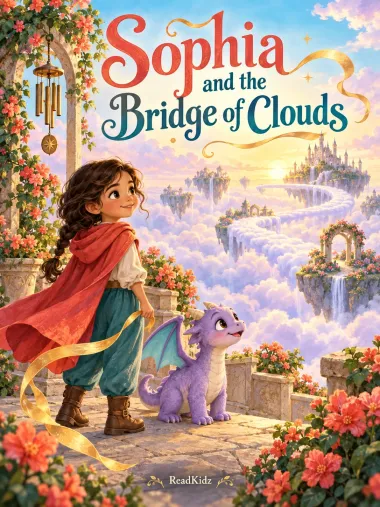 Try this story idea…“A girl and a little dragon find a way across the clouds.”


Back cover
Questions, answered.
What is ReadKidz?
Readkidz is an AI storytelling studio that turns one idea into a complete illustrated picture book — story, characters, and every page painted in a style you choose — and can carry the same story on into an animated film or a kids' music video. Free to start; read the first book tonight.
Do I need to know how to draw?
No. One sentence is enough to start — ReadKidz drafts the story, the art and the layout. You stay the author: everything is editable, nothing is final until you say so.
Can I use my own story or script?
Yes. Paste your full manuscript and ReadKidz illustrates it faithfully — it won't rewrite your words. That's how many self-publishing authors use it.
Will the characters stay consistent?
Character consistency is ReadKidz's core technology. Each character keeps the same face, proportions and outfit across scenes and pages — throughout the whole book.
How does pricing work?
Starting is free — you get bonus credits to explore, no card required. When you're ready to make full books, plans unlock more creation credits.
Is ReadKidz safe for children?
Yes. Content passes a kid-safety pipeline with both automated and editorial gates, and the product is designed for families and classrooms.
Who owns the story I create?
You do. Your books, characters and videos belong to you — you can publish, gift or sell them.
Their next favorite story could begin here.
Start with one sentence, one character, or one small moment.
Free to startConsistent charactersPrint-ready 300 DPI
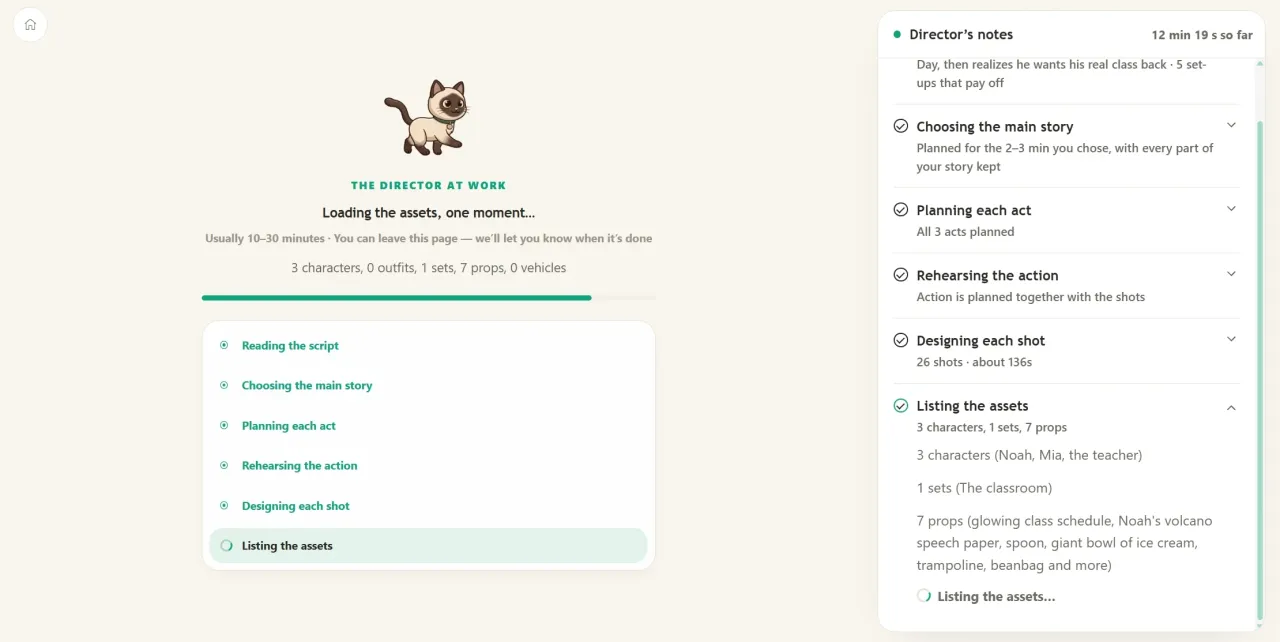
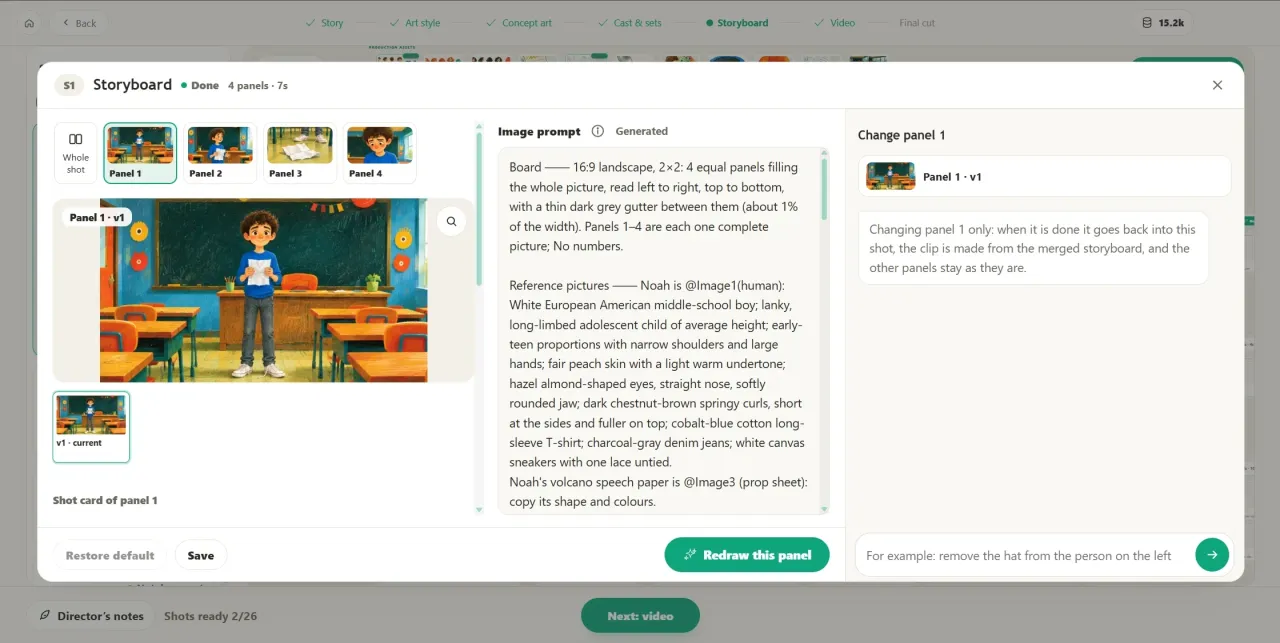
Director Chain 4.0 Update
Our AI now acts like a real director, planning the entire film from start to finish, shot by shot, before drawing anything. This makes scenes more consistent, characters and settings stay true throughout, and the story unfolds like a real movie.
Animation & MV Pro Version Available
Pro versions are now available for both animation videos and children's song MVs. You can even see the director's thoughts and notes as they are made!
More User-Friendly Editor Page
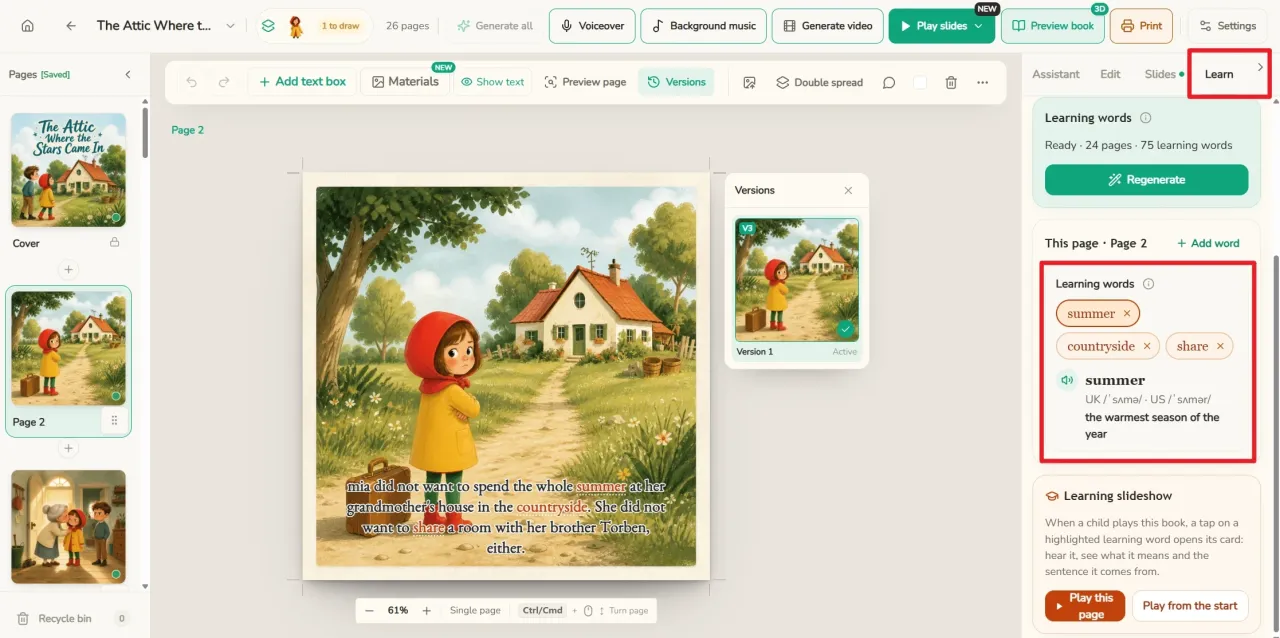
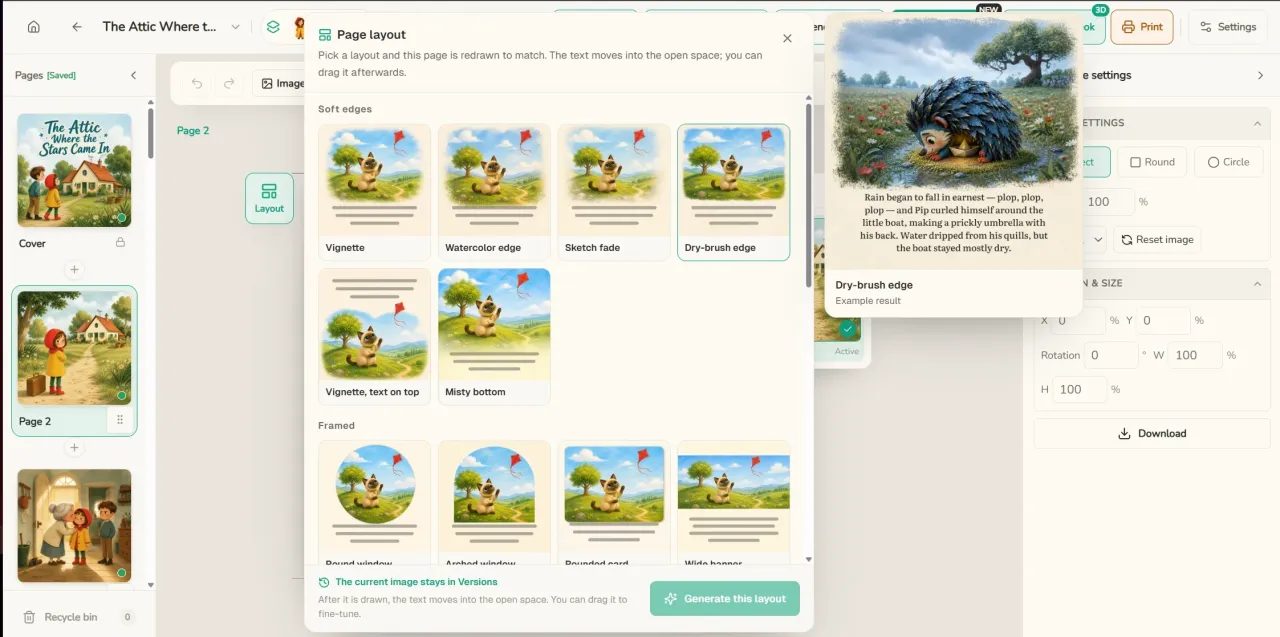
Picture Book Editor: Learn Words, Play Slideshows, Change Illustration Styles
Word Learning: With one click, new words from each page are selected based on your child's age, and turned into word cards. Each card has pronunciation, definitions, and the original sentence from the book. You can even learn while playing them as a slideshow.
Slideshow: Add animation effects to the entire book with one click, and play it in full screen.
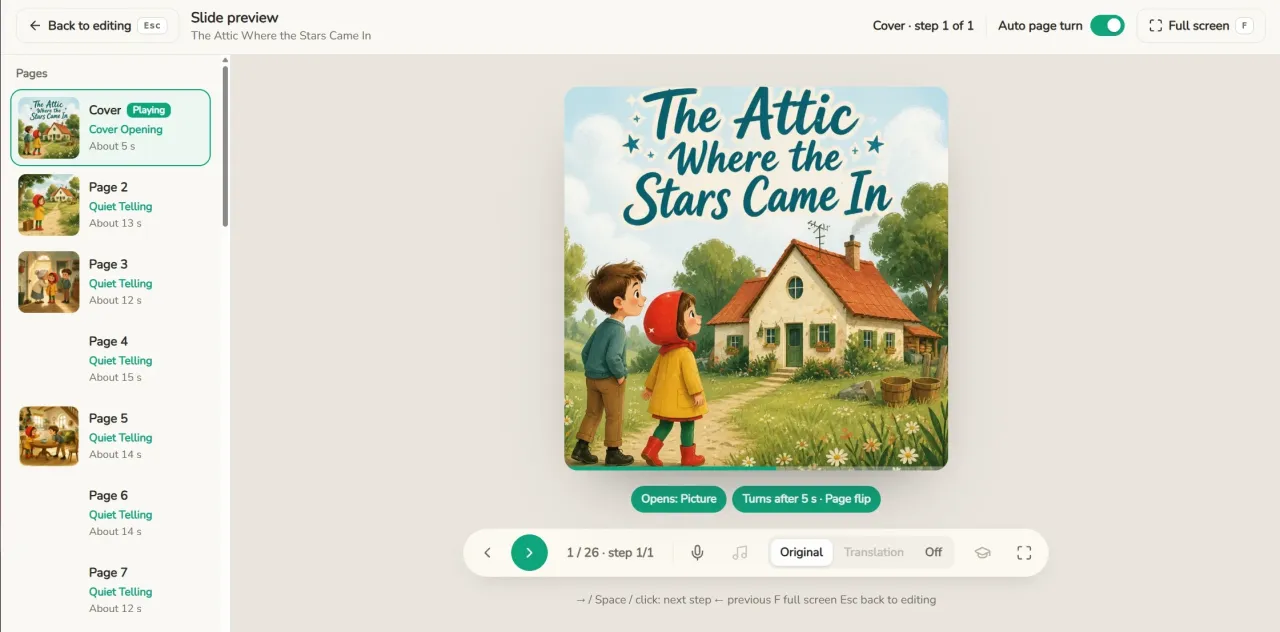
Illustration Style Page: In the editor, select an image, then click 'Styles' to explore more styles perfect for children's picture books.
Create Children's MVs on Your Phone!
Open Readkidz in your mobile browser, and you'll find 'Children's MV'. Write your lyrics, pick a song, choose an art style, then tap 'Start'. We'll handle the rest, and you can watch your finished MV right on your phone.
Works created with one tap on your phone can be opened on your computer by logging into the same account and going to 'My Creations'. Then use the full editor to make further changes: swap scenes, redraw storyboards, adjust subtitles, add voice-overs, and more. The PC version offers more complete features!